
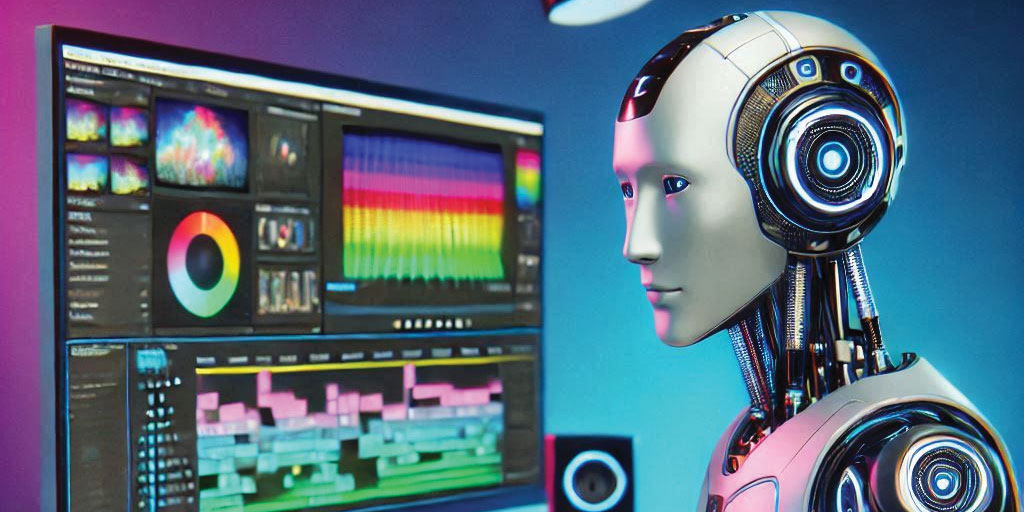
A video editing tool can generate captions, help organize footage, or assist with cleaning up a recording. That can make parts of production more efficient.
But a business video still needs a clear message. Someone must decide what to show, which statements are accurate, and whether the finished piece represents the business properly.
For business owners, the useful question is how AI can contribute to a good result—and where it needs careful review.
Here is what to consider before your next video project.

What Does AI in Video Production Mean?
AI in video production covers several different uses.
Some tools assist with existing recordings: producing transcripts, identifying subjects, or helping editors adjust footage. Others generate new material, such as images, voices, or video clips.
These are different activities with different implications.
Generating a draft transcript of a real interview helps process existing material. Generating a person delivering words they never recorded creates new material that requires a separate discussion about permission and presentation.
Ask your provider which tools and processes are relevant to your project rather than treating “AI video” as one service.
Where AI Can Help
Transcription and Draft Captions
Automated transcription can help editors search interviews and locate relevant statements. Speech-to-text tools can also provide a starting point for captions.
Adobe Premiere, for example, supports generating transcripts and captions through its Speech to Text feature.
The output still needs checking. Names, technical terms, accents, and background noise can lead to mistakes.
For an Alberta business, a misheard place name or incorrect product specification could change the meaning of a video. Review captions against the recording before publishing.
Audio and Image Adjustments
Depending on the software, AI-assisted tools can help with tasks such as reducing noise, isolating subjects, tracking objects, or adjusting framing.
These tools can make some corrections easier, but results depend on the source material. Strong processing can also introduce visible or audible defects.
Good recording remains important. Appropriate lighting, microphone placement, and a suitable filming location give the editor better material to work with.
Preparing Different Versions
A business may need a main website video and several shorter pieces for social media.
Editing tools can assist with parts of that process, including transcription and reframing. Each version still needs review for its intended use.
A vertical crop may cut out the equipment being discussed. A short excerpt may remove an important qualification. Captions may cover a product or someone’s face.
The final check should assess the whole message, not simply whether the export completed.
What Still Requires Editorial Judgement?
Choosing the Right Message
Before filming, establish who the video is for and what it should help them understand.
A company introduction, customer testimonial, and equipment demonstration serve different purposes. The production approach should follow that purpose.
Technology can assist with execution. Your team and production provider still need to agree on what the video should communicate.
Keeping Statements in Context
An edit can change meaning even when it uses genuine footage.
Removing a qualification, rearranging answers, or pairing a statement with unrelated images can create an inaccurate impression.
For testimonials and interviews, review whether the finished sequence fairly represents what the person said.
Representing Your Business Accurately
A promotional video should show capabilities, facilities, and results you can support.
Generated footage should not be presented as evidence of a completed project or equipment you own. A synthetic presenter should not appear to be a genuine customer giving a testimonial.
When illustrative material is useful, make its role clear enough that viewers are not misled.
Can AI Make Business Videos Cheaper?
It can reduce time spent on some tasks, but it does not establish the total cost of a project.
Planning, filming, travel, sound recording, editing, permissions, and revisions still require resources. Generated material may also take time to correct or replace.
Compare proposals by what they deliver:
- What filming is included?
- How many finished versions will you receive?
- Who reviews captions and factual details?
- How many revision rounds are included?
- Are music and other assets suitable for the intended use?
An efficient process is valuable when it supports a useful, accurate final video.
Questions to Ask Before AI Is Used
Will Our Footage Be Uploaded to Another Service?
Some tools process material locally; others use external services.
Ask where recordings will be processed and how they will be handled. Discuss sensitive material before uploading it, including private customer information, internal documents, or footage from restricted locations.
Will Anyone’s Voice or Appearance Be Generated or Altered?
Agree on this before production.
Permission to record an interview should not be treated as permission to clone a voice or create new statements in someone’s likeness.
Set clear approval expectations for any synthetic voice, presenter, or substantial alteration.
Who Checks the Finished Work?
Identify who reviews names, captions, service claims, visual accuracy, and the overall message.
A translated version also needs suitable language review. Automatically generated wording may miss context or use terminology your audience would not recognize.
Can We Use the Video Where We Need It?
Clarify the intended channels: your website, organic social posts, paid advertising, presentations, or other uses.
Have the provider confirm the relevant permissions and usage terms for included music, stock assets, and generated material. Do not assume access to a tool means every output is suitable for every purpose.
When Real Footage Is Particularly Valuable
If the purpose is to demonstrate your work, real footage provides something generated imagery cannot: a record of the actual people, place, product, or process being shown.
For example:
- A contractor can document a completed project.
- A manufacturer can demonstrate actual equipment.
- A nonprofit can introduce its team and explain its programs.
- A service company can show what happens during a customer visit.
AI-assisted editing may support the production, but the evidence comes from the recording.
A Practical Approval Checklist
Before publishing a business video, confirm:
- The message matches the agreed purpose.
- Names, captions, and factual statements are accurate.
- Interviews and testimonials retain their meaning.
- Images represent your business honestly.
- Permissions and intended usage have been checked.
- Private information is absent.
- Each format works on its intended channel.
- The appropriate person has approved the final version.
Choose the Process Around the Project
AI can be useful in video production when its role is clear and the output is reviewed carefully.
Start with the audience, message, and material you need to show. Then choose the tools that help deliver that work.
IF Media Inc. provides video production for businesses and organizations in Medicine Hat and across Alberta. Contact our team to discuss your next project, from service introductions and interviews to project showcases and social media videos.

0 Comments